RetroStudio Codes (November 2026)
RetroStudio lets you build and play games in the old Roblox style, with an engine that can recreate anything from the early 2009 look right through to mid 2015, so it scratches a very specific nostalgic itch. RetroStudio codes get you free rewards for doing basically nothing, and since they do stop working eventually, you should redeem the ones listed just below while they are still live.
Quick Answer: We’re tracking 3 active codes for RetroStudio. Copy each one exactly, since codes are case-sensitive.
Latest addition: 1000000.
Working RetroStudio Codes
The active RetroStudio codes are listed below. Grab them quickly, as these tend to expire fast.
| Code |
|---|
1000000 |
SuperRetroBall |
retrodev1000000 |
How to Claim RetroStudio Codes
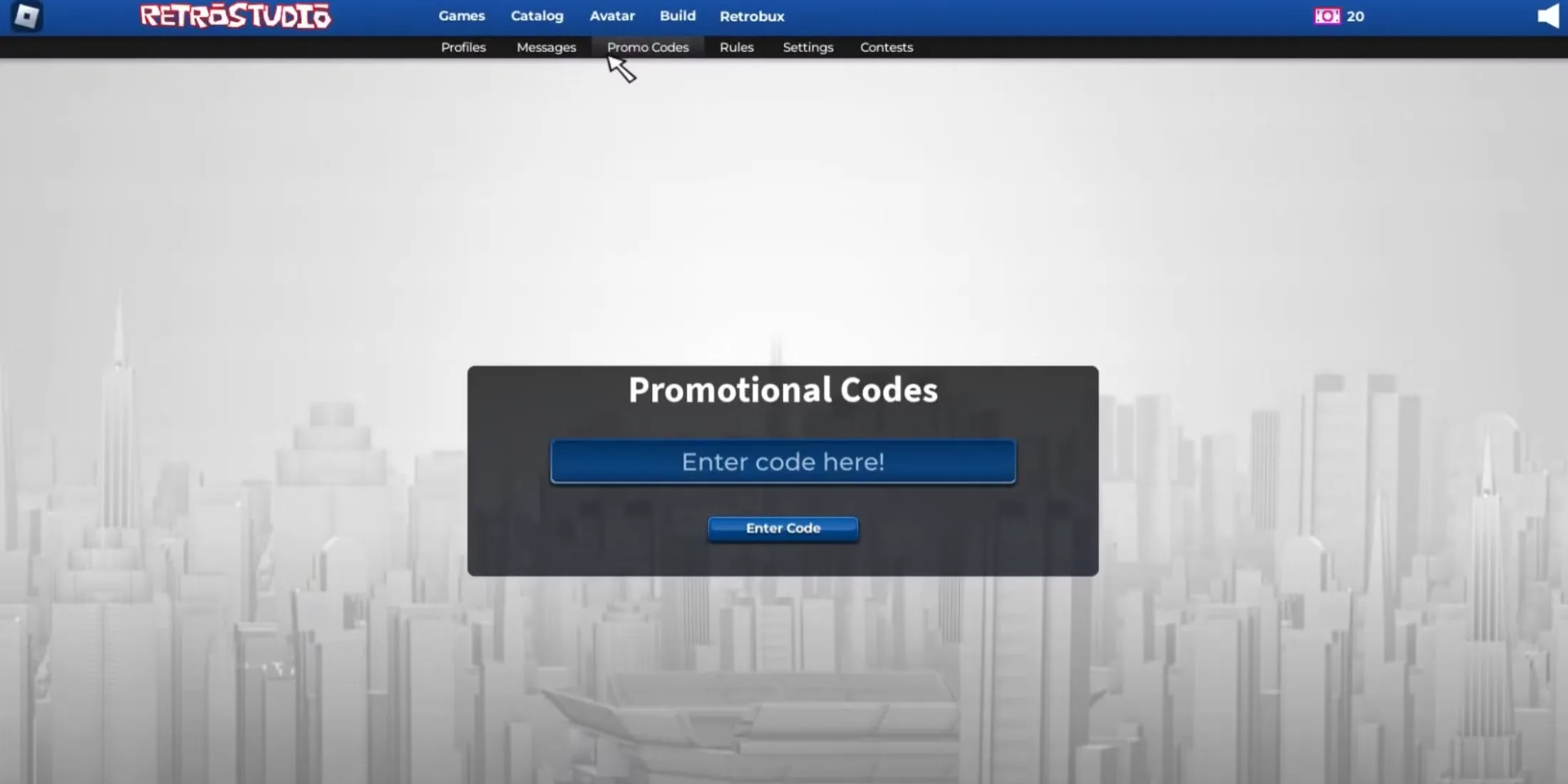
- Start up RetroStudio on Roblox.
- Find the Codes or Redeem button on the game screen.
- Enter a code precisely as it appears above.
- Hit Redeem to collect your reward.
Where to Find the Latest RetroStudio Codes
The developers post RetroStudio codes in announcements on the Retro Dev group on Roblox, so that’s the place to check when an update lands. The game’s Roblox page has the latest patch notes too.
Expired RetroStudio Codes
No expired codes tracked yet.
Why aren’t my Roblox RetroStudio codes working?
Usually it comes down to two things. The code may have run its course, which shows up as an invalid message in the redeem box. Otherwise it was entered wrong: spelling and punctuation both matter. Copying the code straight from the list and pasting it removes most typing errors.